
How to Track Competitor Mentions in Sales Calls and Build Automated Win‑Loss Reports
 The GPTify Team · · 5 min read
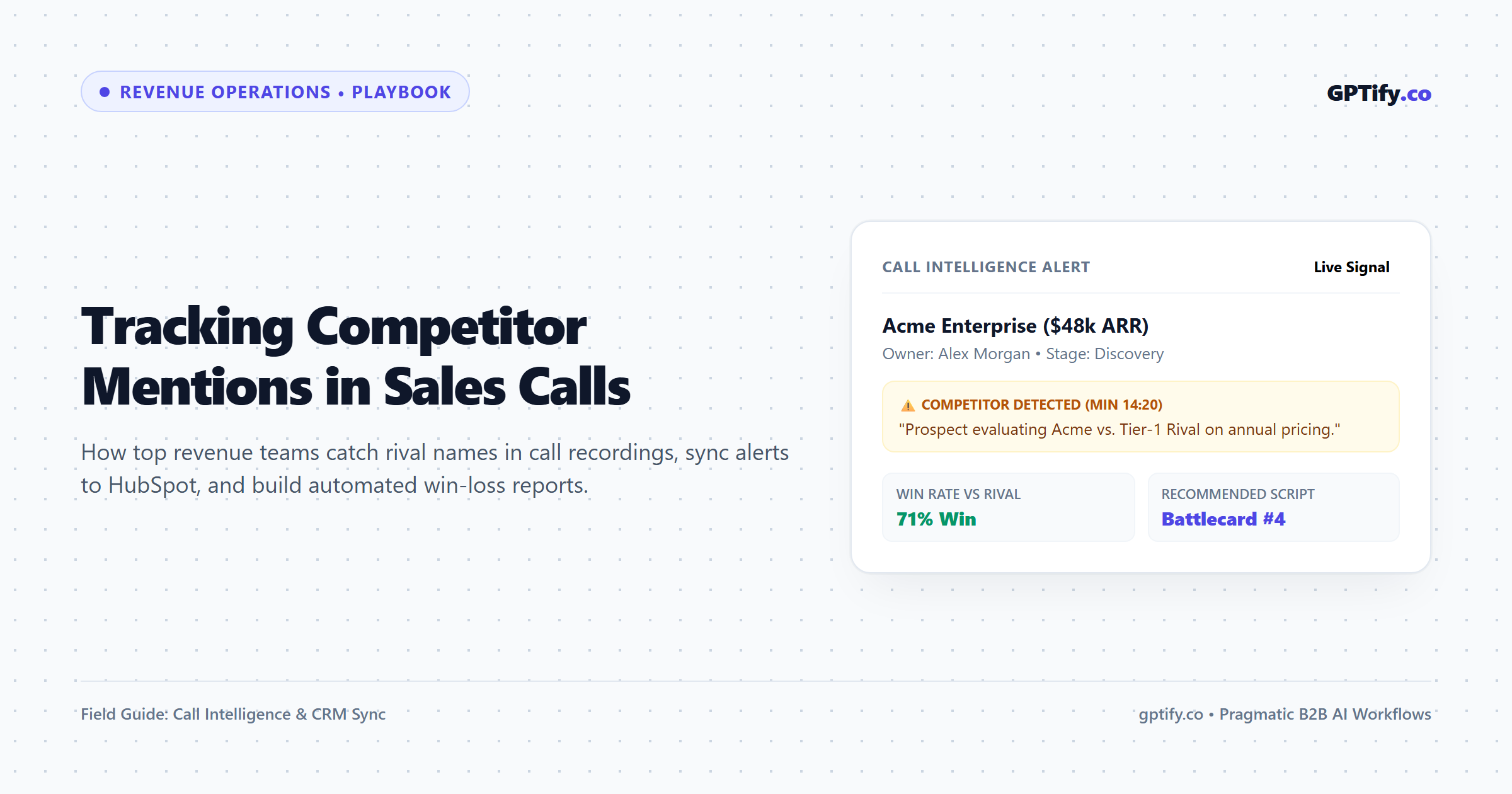
When a prospect brings up a competitor on a discovery call, it is rarely casual conversation. It is a direct signal exposing pricing friction, missing features, or who else is competing for budget. In traditional sales teams, these critical signals evaporate the moment the call ends. The rep hangs up, types “Good call, following up next week” into the CRM, and the business continues losing deals to the same rival without ever understanding why.
Solving this does not require a six-figure conversation intelligence contract. You can build an automated competitor tracking workflow using your existing meeting stack, a structured extraction prompt, and your CRM.
Here is the exact architecture we deploy for revenue teams at GPTify to capture competitor intelligence automatically and deliver actionable weekly win-loss summaries.
Step 1: Capture Transcripts Across Your Meeting Stack
You do not need to force your team into a single proprietary recording platform. The workflow begins by generating raw call transcripts from whichever meeting environment your reps already use:
- Native Meeting Assistants: If your team runs on Zoom AI Companion, Google Meet transcripts, or Microsoft Teams Copilot, turn on automatic meeting transcript exports to cloud storage or a dedicated webhook endpoint.
- Dedicated AI Recorders: If your organization lacks enterprise recording licenses or needs cross-platform flexibility, autonomous meeting notetakers like Fireflies or MeetGeek automatically join scheduled calls, record verbatim transcripts, and expose webhook triggers the second processing finishes.
Step 2: Run Structured Extraction with an LLM Prompt
Keyword alerts alone are unreliable. When software only listens for brand names, it flags casual phrases like “we used to use Competitor X four years ago” or misses contextual descriptions like “your blue competitor with the owl.”
Instead, pass the raw call transcript into a structured LLM pipeline (via Claude, ChatGPT, or your automation tool) using this production extraction prompt:
You are an elite RevOps Competitive Intelligence Analyst.
Analyze the following sales call transcript and extract competitive intelligence.
Analyze only direct statements made by the prospect or buyer.
Identify every competitor mentioned and extract the following JSON schema:
{
  "competitor_identified": true/false,
  "competitors": [
    {
      "name": "Standardized Competitor Name",
      "context": "Active Shortlist | Incumbent Vendor | Price Benchmarking | Casual Reference",
      "stated_advantage": "What specific feature, price point, or service did the prospect praise about them?",
      "stated_friction": "What did the prospect dislike or find frustrating about them?",
      "pricing_pressure_detected": true/false,
      "urgency_level": "High | Medium | Low"
    }
  ],
  "recommended_battlecard_action": "1-sentence tactical advice for the rep on the next follow-up call"
}
If no competitors were mentioned, return {"competitor_identified": false, "competitors": []}.
Output raw, valid JSON only.
Step 3: Route Competitive Data Directly into Your CRM
Once the LLM returns structured JSON, use Zapier, Make, or native webhooks to update the deal record in your CRM—whether you run HubSpot, Pipedrive, or Close.
To make this data queryable without cluttering the deal view, configure three custom fields on your Deal / Opportunity object:
- Active Competitor Shortlist: Multi-select picklist containing your top 10 known competitors.
- Primary Competitor Objection: Single-line text field summarizing the exact pushback extracted by the prompt.
- Competitive Price Pressure: Boolean flag (Yes/No) that triggers an automated alert if the prospect is price-benchmarking.
When an Account Executive or Sales Manager opens any active deal, they immediately see who is competing for the budget and the exact objection without digging through 45 minutes of audio.
For additional end-to-end RevOps and meeting automation blueprints, explore the operational playbooks on GTM Shelf.
Step 4: Build the Automated Weekly Win-Loss Dashboard
With competitor names mapped to deal stages, building a dynamic win-loss report takes minutes inside your CRM reporting suite:
- Data Source: Closed Deals (Won and Lost).
- Grouping Parameter: Primary Competitor Mentioned.
- Core Metrics: Win Rate Percentage against each rival, Average Deal Cycle Length, and Closed Revenue Won vs. Lost.
- Automated Delivery: Schedule an automated PDF export to email revenue leadership every Monday morning at 8:00 AM.
This single report eliminates guesswork during executive pipeline reviews. You no longer debate whether a competitor is eating market share; the data proves your win rate against them down to the percentage point.
Step 5: Deliver a 60-Second Monday Competitive Digest to Reps
Data locked inside dashboards rarely helps reps on the phone. Every Monday, turn your pipeline findings into a 60-second Slack or Microsoft Teams briefing:
Weekly Competitive Pulse – [Current Week]
Top Rival Mentioned: [Competitor Name] (Surged in 7 discovery calls this week)
Primary Friction Heard: Prospects cited their lower entry-tier licensing.
Counter-Talk Track: Remind buyers that their entry tier excludes dedicated onboarding and live API support.
Pipeline Outcome: Won 4, Lost 1 vs. [Competitor Name] over the last 30 days.
Practical Limits & Human Verification
Automated transcript extraction identifies mentions, but human context determines intent. Sometimes a buyer names a competitor solely to negotiate a discount, even when your solution is their clear preference. Always train reps to ask during discovery: “Are you actively running a pilot with them right now, or did you evaluate their public pricing?”
Frequently Asked Questions
Can this workflow run without Zapier or Make?
Yes. If you use tools like Fireflies or MeetGeek, they offer direct native integrations into HubSpot, Pipedrive, and Salesforce that push meeting notes and summaries directly to contact timelines.
How do we prevent false alerts on casual brand mentions?
The LLM extraction prompt shown above includes the context parameter. By filtering for Active Shortlist or Price Benchmarking and ignoring Casual Reference, you ensure reps only receive notifications when deals are genuinely contested.
About GPTify: GPTify.co helps B2B sales and marketing teams put AI to work with practical workflows, vetted tech stacks, and custom revenue automation. We publish a weekly briefing with tactical AI breakdowns—subscribe to our weekly newsletter and join 30,000+ revenue leaders in our LinkedIn community.
—
*Some links in this article are partner links. GPTify may earn a commission at no extra cost to you.*
**About GPTify:** [GPTify.co](https://gptify.co) helps B2B sales and marketing teams put AI to work, with training, ready-to-use tools and custom AI workflows.